


Workflow Management for Accounting Firms
Standardize work, so your team doesn’t reinvent the process every time
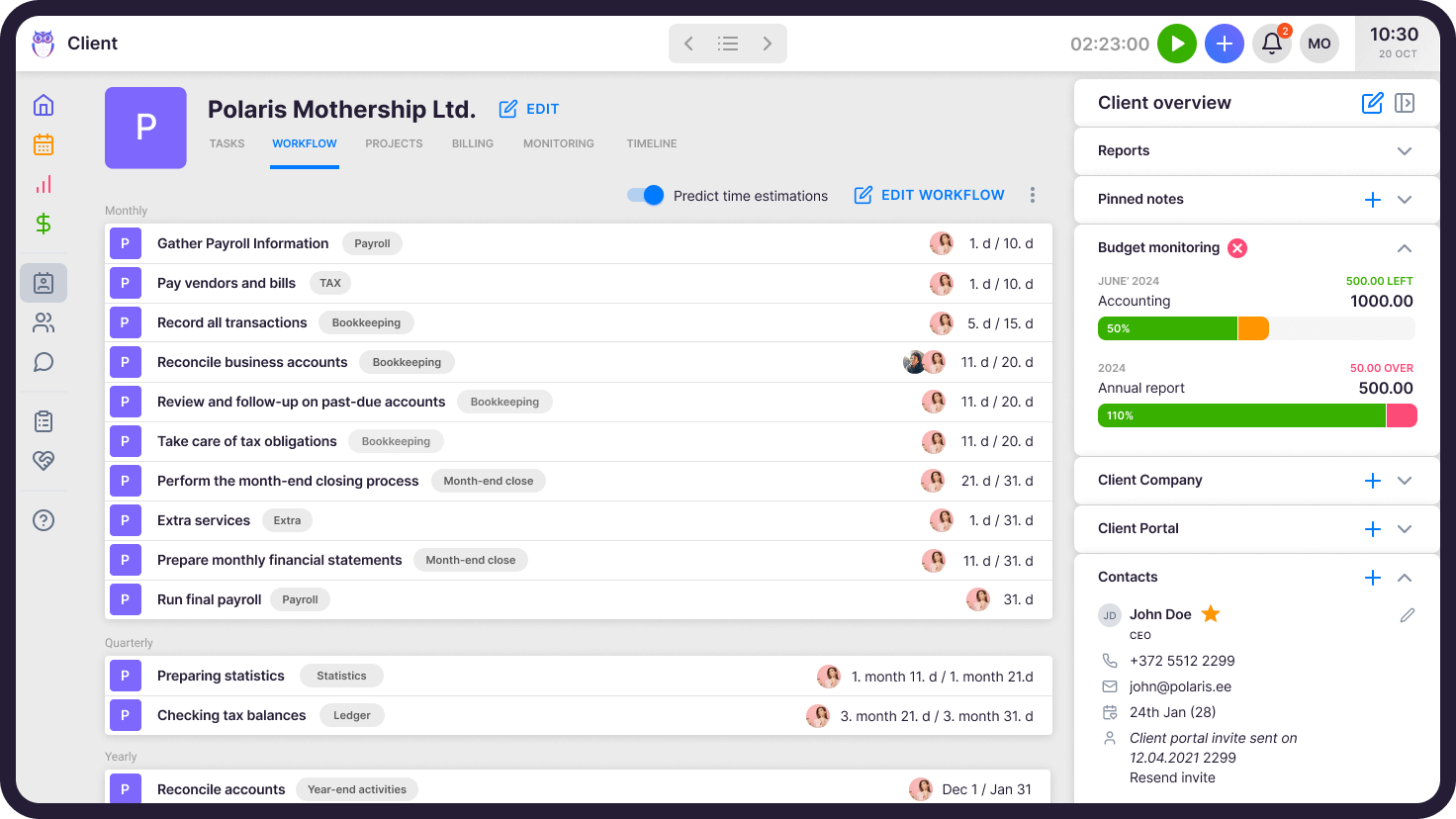
Uku’s bookkeeping workflow program creates a perfect daily task plan, so you never miss a deadline.
No credit card required.
Top Accounting Practice Management Software



“Uku is easy to use and accountants actually love working with it.”
Jurgita A.
CEO, Lithuania
What does accounting workflow management software give you?
What does job management automation give you?
Uku’s automated workflows ensure that tasks reach the right person’s dashboard when the time is right.
Save time with bookkeeping workflow templates
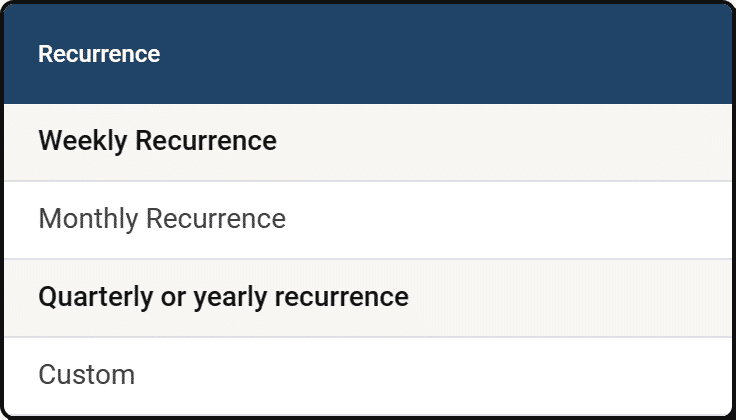
- ✓Add a weekly recurrence to show tasks one or more days of the week
- ✓Use date-based recurrences for monthly, quarterly, or yearly tasks
If the recurrence falls on the weekend, choose whether you’ll finish the task before or after the day.
Task information in one place
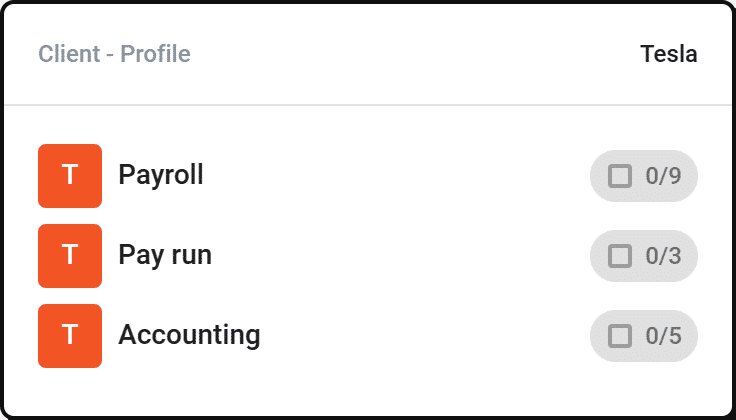
- ✓Mark down the subtasks of your task
- ✓Add attachments, manuals and other notes
- ✓Topics allow you to group and filter tasks
Unique workflows for each client
In the client’s work plan, you’ll find:
- ✓Client contract tasks with deadlines
- ✓The person in charge of the work
- ✓Customer information and contacts
- ✓Documents, notes, access rights, etc
Prioritize tasks and stay focused
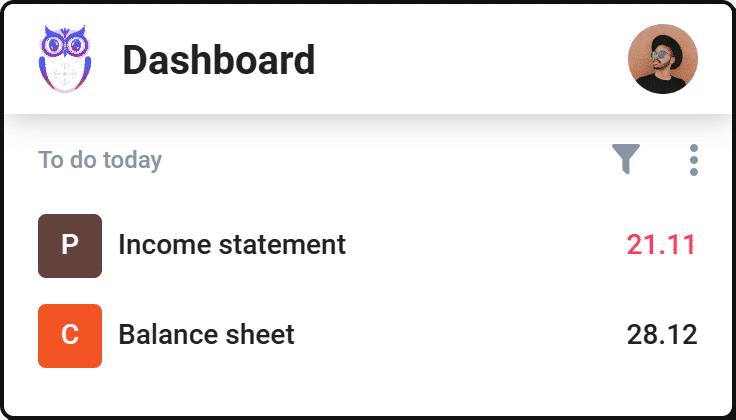
- ✓Stay focused – today’s jobs are prioritized by default
- ✓Manage tasks on your dashboard, calendar, or client profile
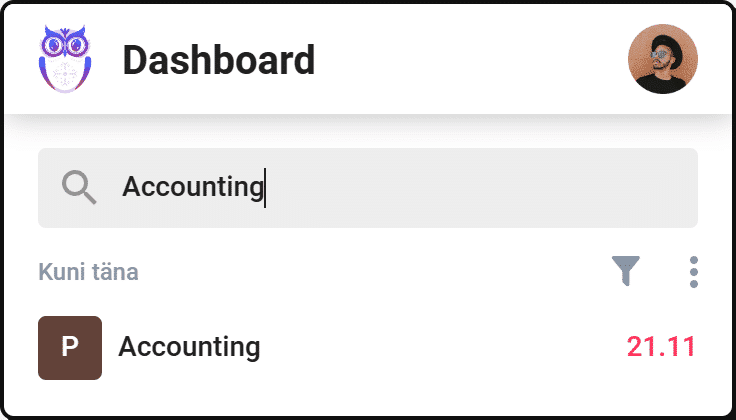
- ✓Quickly find tasks with search and filters
Accounting Workflow Management Features
Accounting workflow templates
A workflow template gives you a quick and convenient overview of the tasks. When creating a work plan for a client, you can use work plan templates as a basis.
Customizable task dashboard
Save your ideal dashboards with chosen filters and grouping for fast access.
Personalizable custom fields
Enter information to Uku that is important to you. For example, you can use additional fields to keep track of whether a customer is late in sending documents.
Automated time tracking
Automate the time tracking by entering a time forecast for a task. Mark the task done and automate the time logging.
Real-time overviews
The report consolidates information about tasks, time and volumes by customers, team, etc. This gives you an insight what and how to improve.
The person responsible
Users’ rights lets every team member see only the information they need. The responsible person also sees an overview of team members’ tasks.